Introduction
Process details on how to install the Cisco Umbrella application from Company Portal.
Details
- Click Start (Windows icon) and type Company Portal. Open the Company Portal app from the search results.
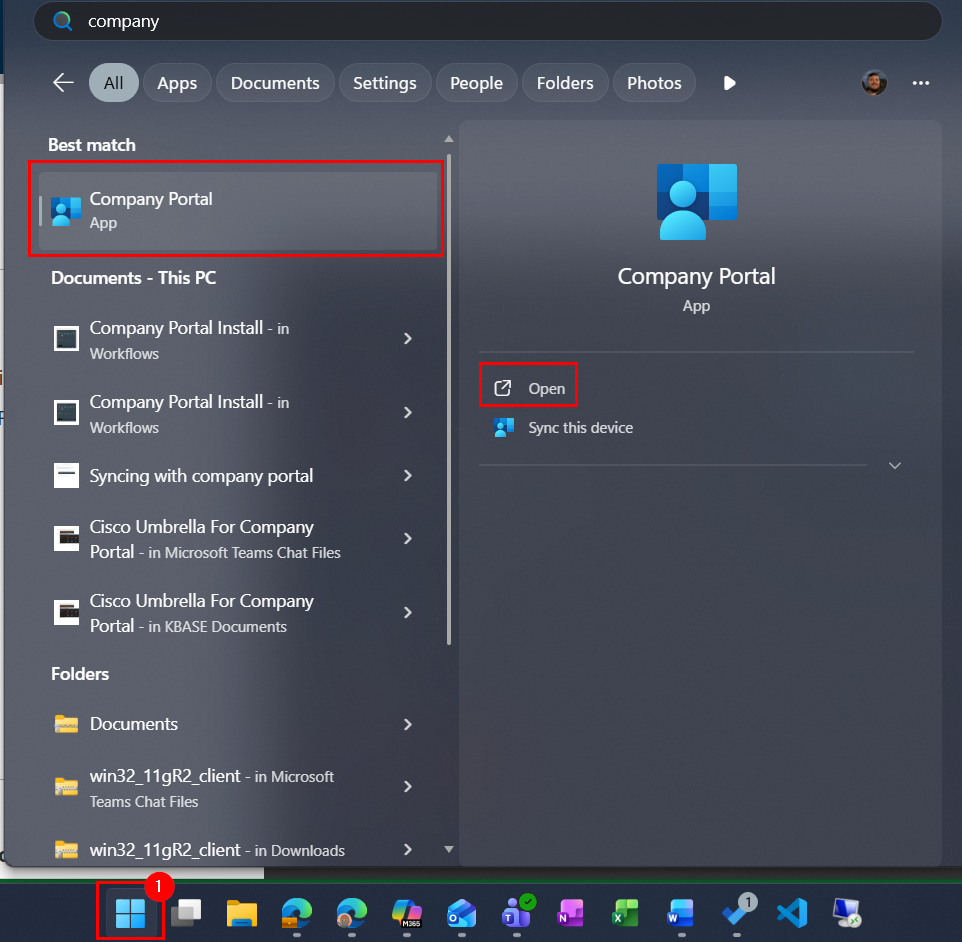
- Search for Company Portal and open the program.
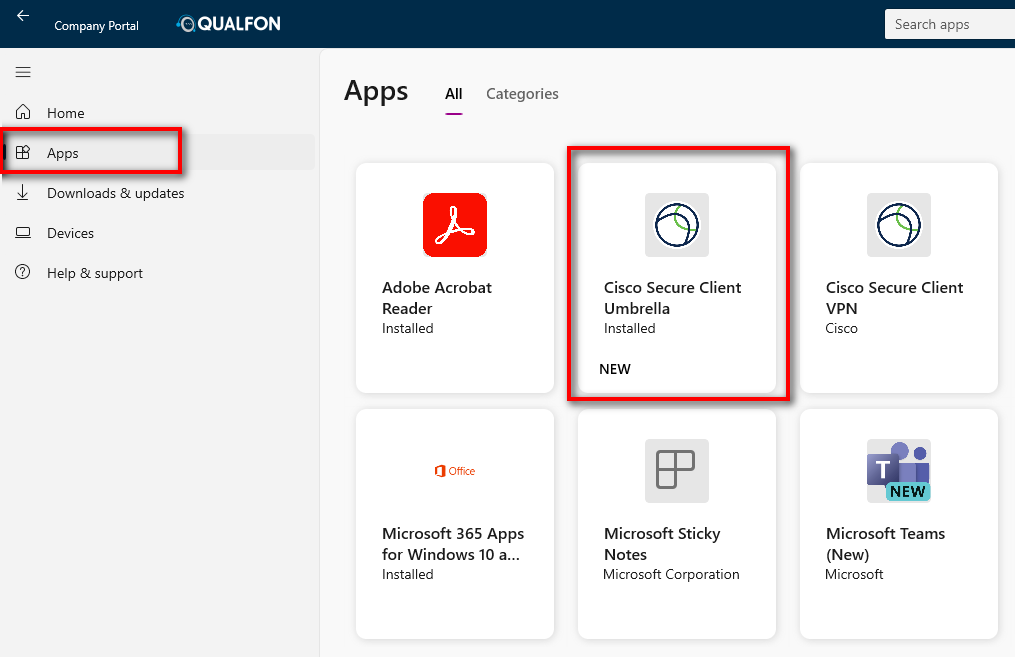
- Click on Apps and click on Cisco Secure Client Umbrella.
- Click Install, if needed.
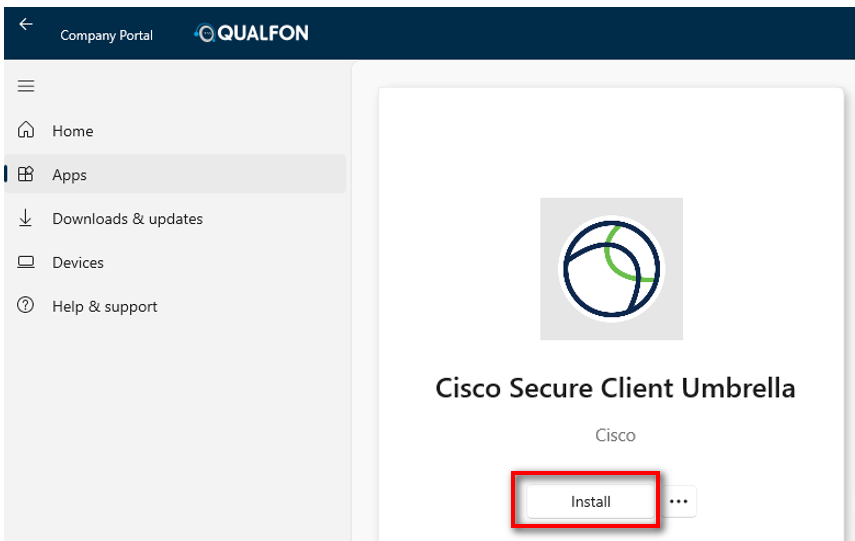
Company Portal will start the download and installation process.


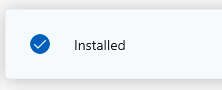
When the installation is complete there will be a confirmation message.
Revision History
Date Created: 02/14/2025 10:53 am EST
Last Modified: 02/14/2025 10:53 am EST